You can attach supporting documents directly to a tax return for future reference or evidence. Keep everything connected to the right form, so when you need to review a return later, your supporting files are right where you expect them.
Important NOTES:
- Supporting documents are stored in Lodgeit for your internal records only and are not sent to the ATO as part of lodgment.
- Attached supporting documents in tax forms will also not be included during printing or downloading of the pdf copy.
UPLOADING a supporting document:
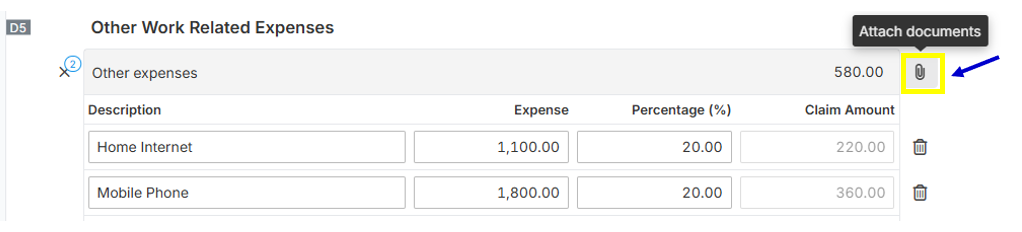
1. Hover your mouse pointer specific section or line item of the tax form, so that the "Attach document" (paper clip icon) will show.
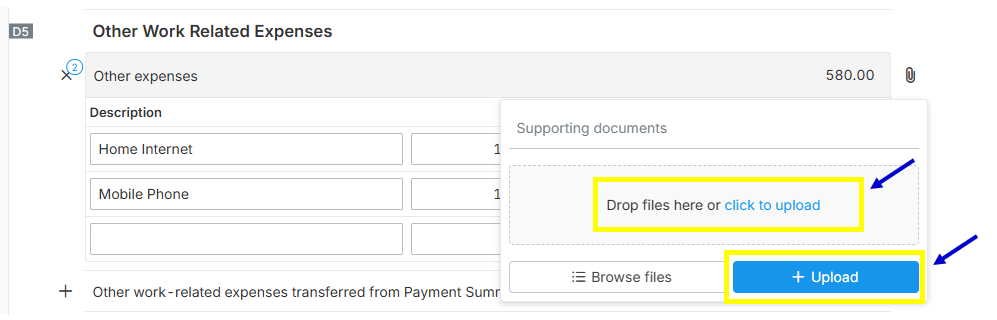
2. Drag and drop the files or click Upload button to attach files.
DOWNLOADING a supporting document:
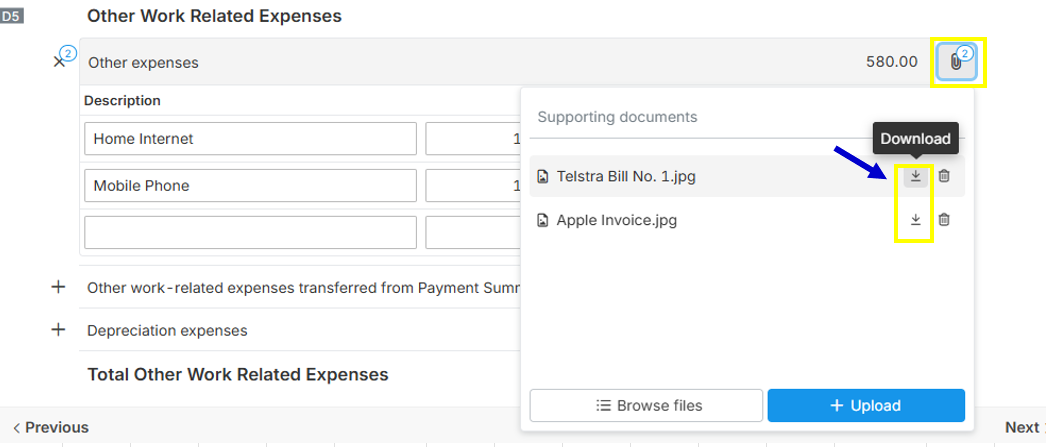
Click the "Attach document" (paper clip icon) button and click the "Download" icon, to download the supporting document that is attached in the form.