
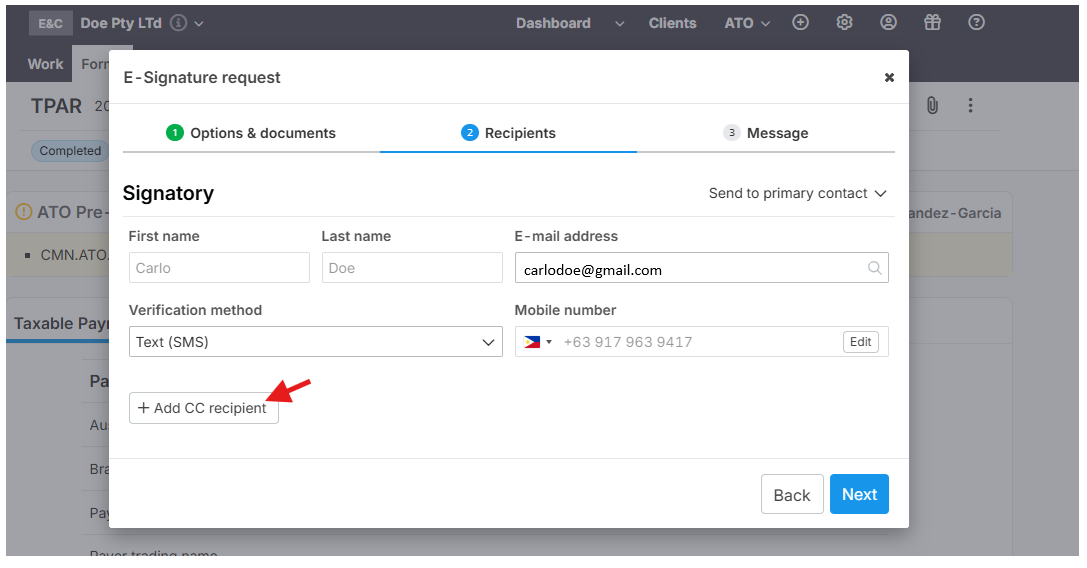
Purpose
Use the CC (Carbon Copy) field to notify additional people about an email or communication. This keeps relevant parties informed. CC recipients will receive the same document notifications and can view and download the signed document, keeping everyone aligned without extra follow-ups.
When to Use CC
Add recipients to CC if they should receive a copy for awareness, but are not required to take action.
Common examples:
- Secretary or personal assistant
- Spouse or partner
- Children or family members of the main recipient
- Team members who need visibility
How to Add CC Recipients
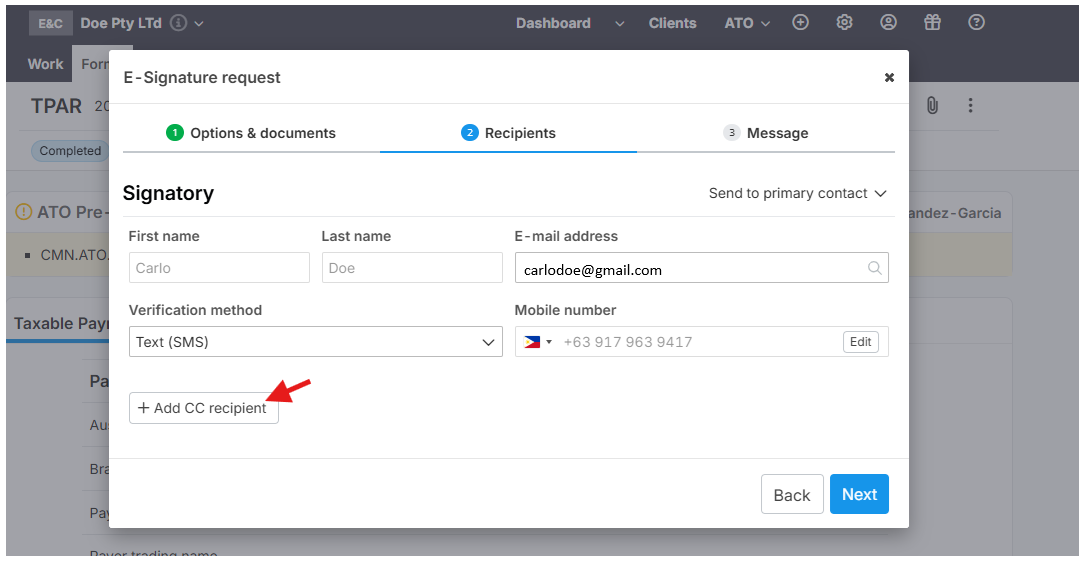
Locate the CC field
Enter the email address(es) of the person(s) you want to notify.
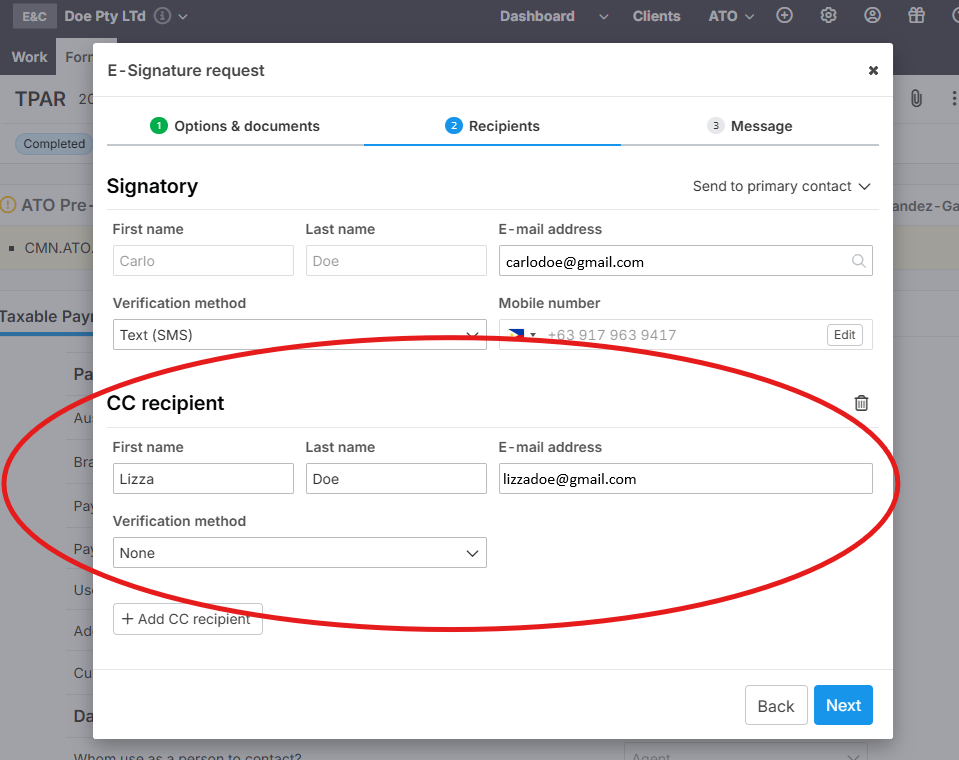
Proceed to send the message.