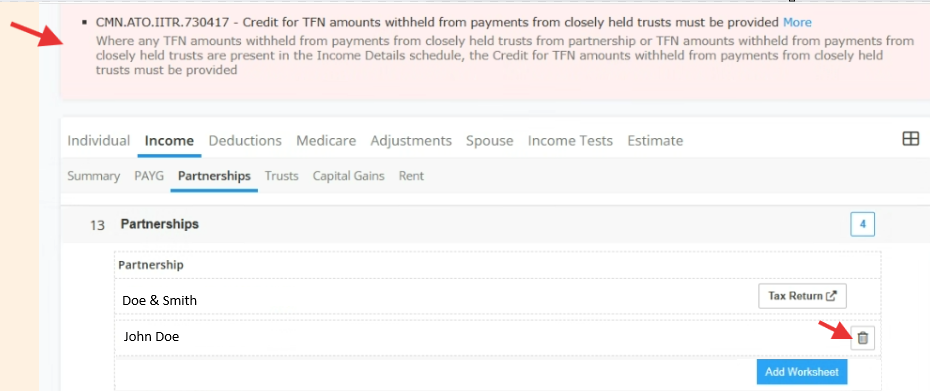
Error prompt:

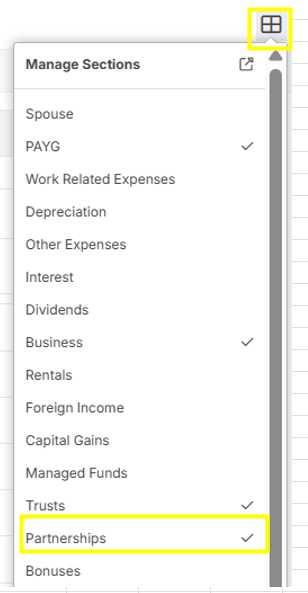
Solution: To resolve the error, please ensure that the "Partnership" section is activated from the Financial Picture. Click the 4 square icon in the right.

Tick check "Partnerships" among the dropdown selection.
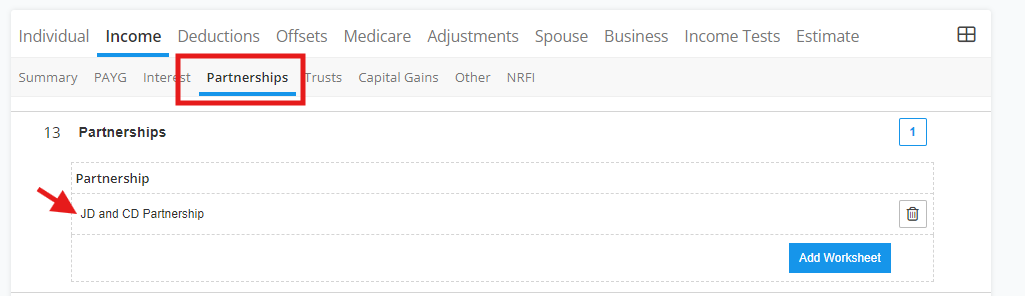
Open each worksheet one by one by clicking the name of the worksheet (e.g. worksheet name is "JD and CD Partnership").
 Then, remove the zero digit under line item 13M, but better to delete all the other zero digit inputs if there is no required data needed to be filled on them (see below image in yellow highlight).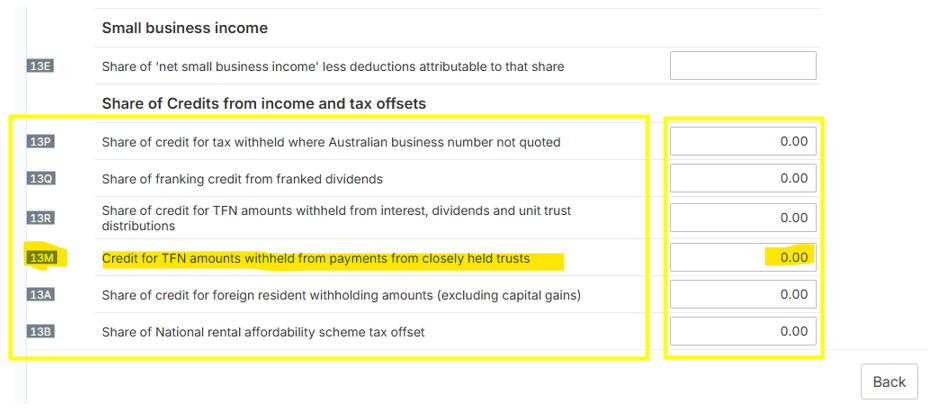
OR Check if there are any blank worksheet, and click the trash bin icon to delete it.