Issue
When lodging an Individual Tax Return, you may receive the following ATO validation error:
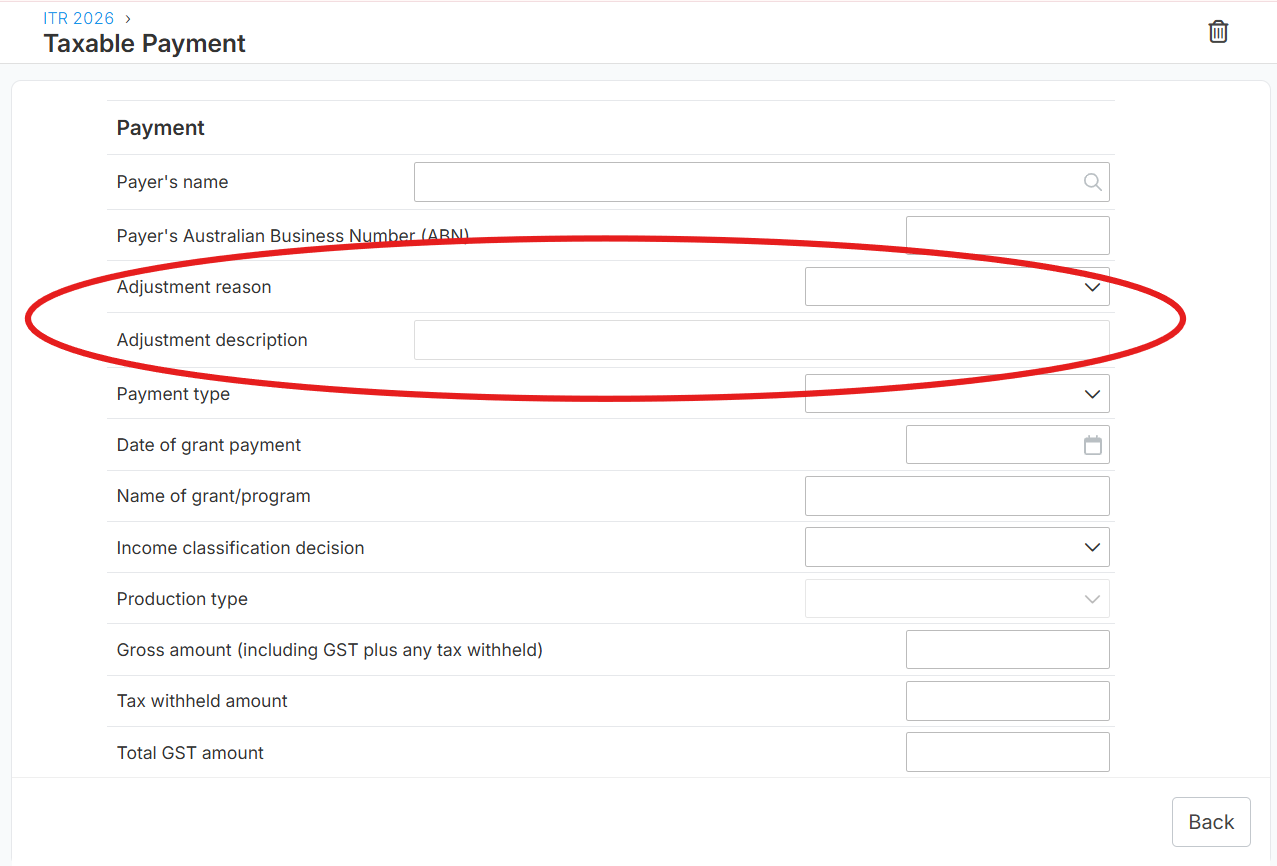
CMN.ATO.IITR.EM0075 – Taxable payments adjustment reason must be provided
The amount of Taxable Payment income stated is less than the information the ATO has confidence in for your client. Please provide a reason for the Taxable Payment income not matching the ATO's prefill information.

This error occurs when the Taxable Payments Reporting System (TPRS) information reported to the ATO differs from the taxable payment amount included in the tax return, and no adjustment reason has been provided.
Scenario 1: If the taxable payment worksheet is an ATO Prefill and incorrectly prefilled in the client tax return
NOTE: Don't delete the ATO prefill worksheets because error CMN.ATO.IITR.EM0075 will still show when you click Complete during the Pre-Lodge validation process.
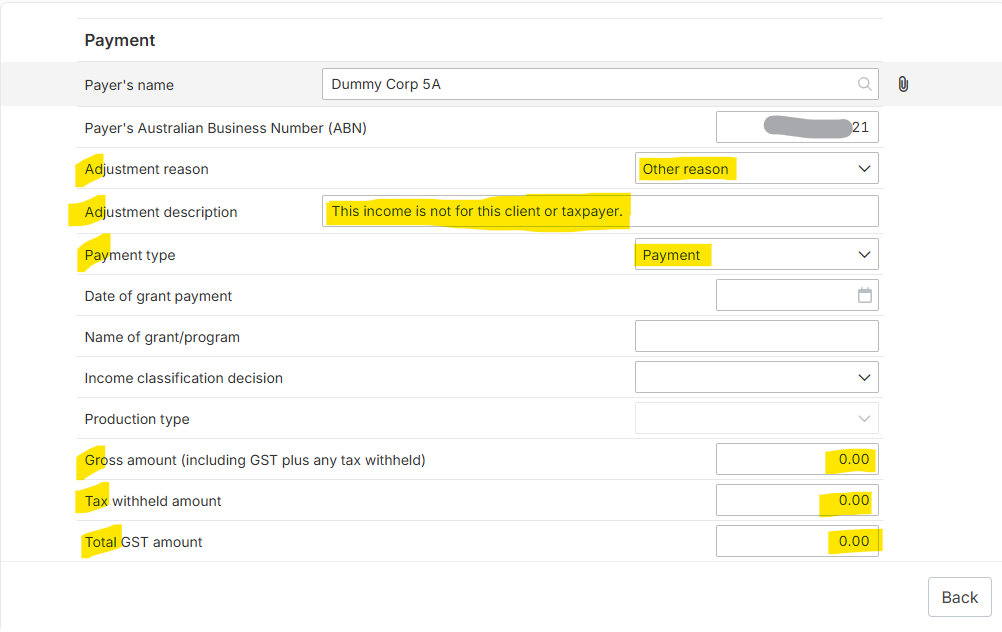
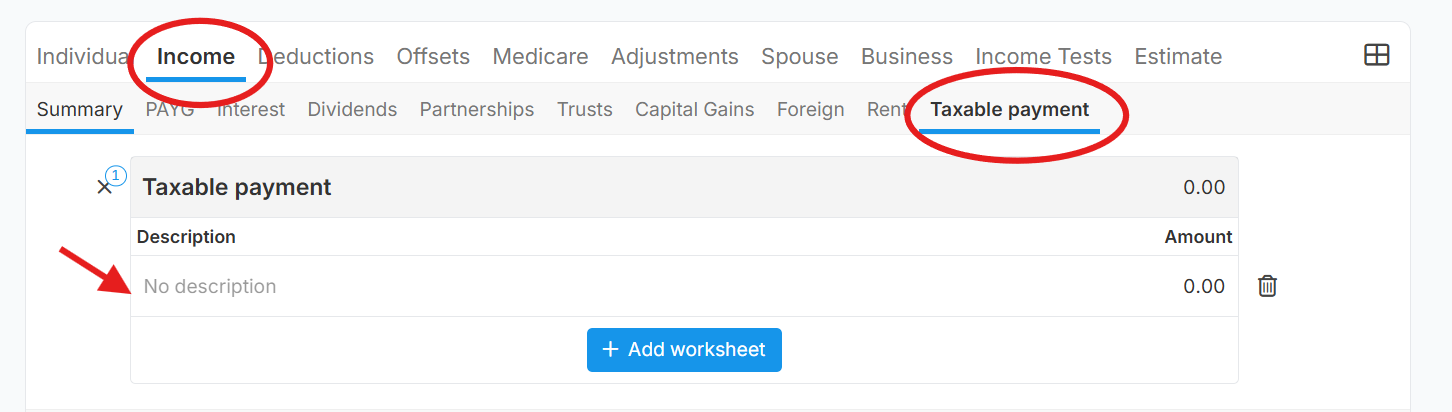
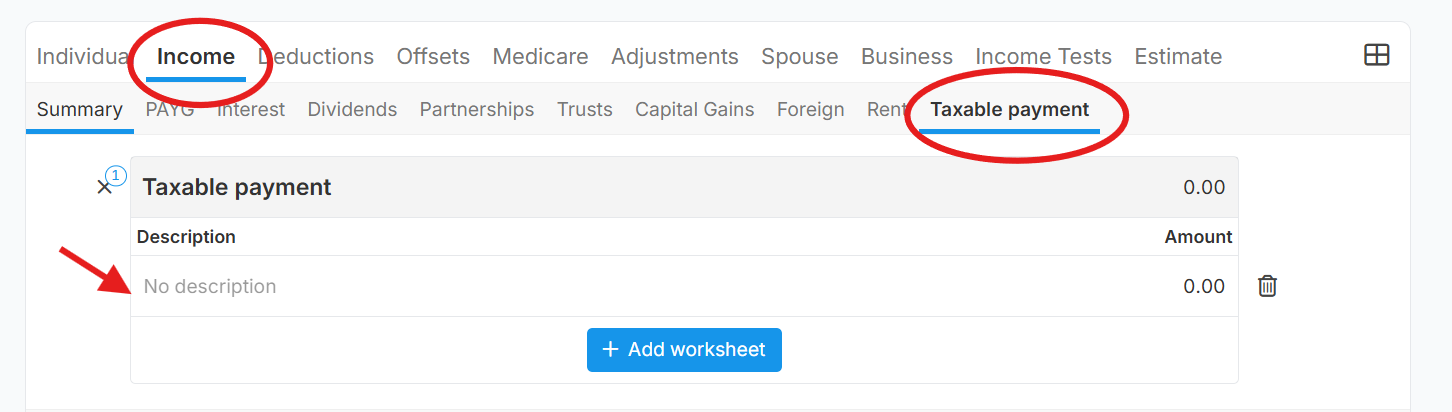
Suggestion Solution: To resolve the issue, go to Income > Taxable payment tab and fill-out the worksheet as follows (see below image for your reference):
a. Adjustment reason - as Other Reason
b. Adjustment description - add a description like this as an example "This income is not for this client or taxpayer."
c. Payment type - select "Payment"
d. Gross Amount - input 0 (zero)
e. Tax withheld amount - input 0 (zero)
f. Total GST Amount - input 0 (zero)
Scenario 2: If the taxable payment worksheet is added/prefilled is correct for the client/taxpayer tax return
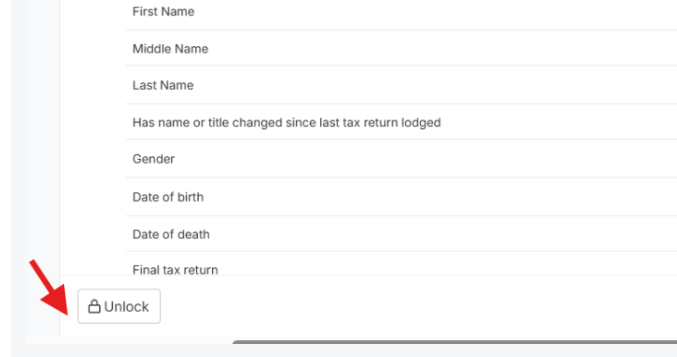
Suggested Solution:
 Guide: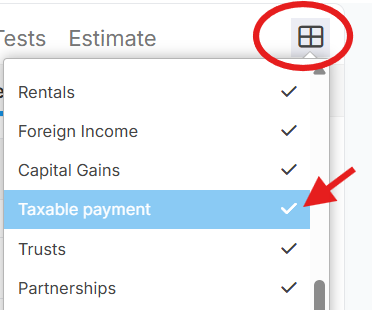
 Review and complete the worksheet, ensuring all required information is entered, including the appropriate adjustment reason where applicable.