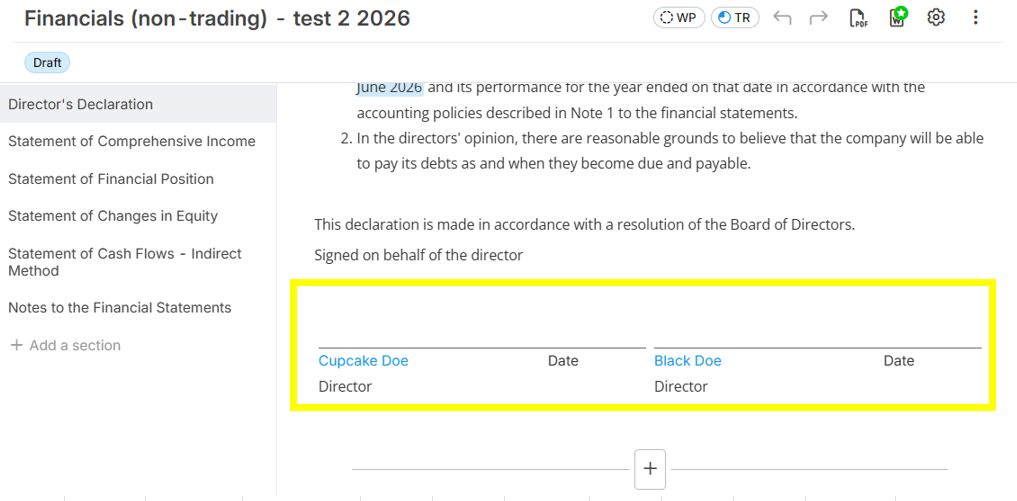
1. Ensure that all the directors were already added in the Relationship section (related guide: Define Client Relationship).
2. In the custom report, if there is already an existing E-Signature, you just need to put the mouse pointer to it and then the dropdown selection options will show. Just select "Directors" and the multiple directors will show in the report.
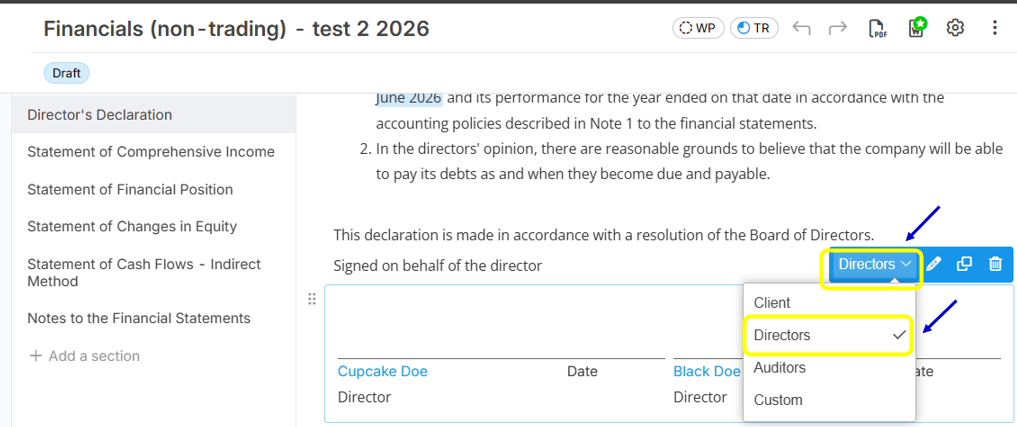
Below is sample image showing 2 directors with e-signatures: