
For us to further investigate, please send us the following:
TABLE OF CONTENTS
How to get the Form URL
1. Navigate to the issue via the form.
2. Copy and paste the URL that you have on your end.
See below sample.
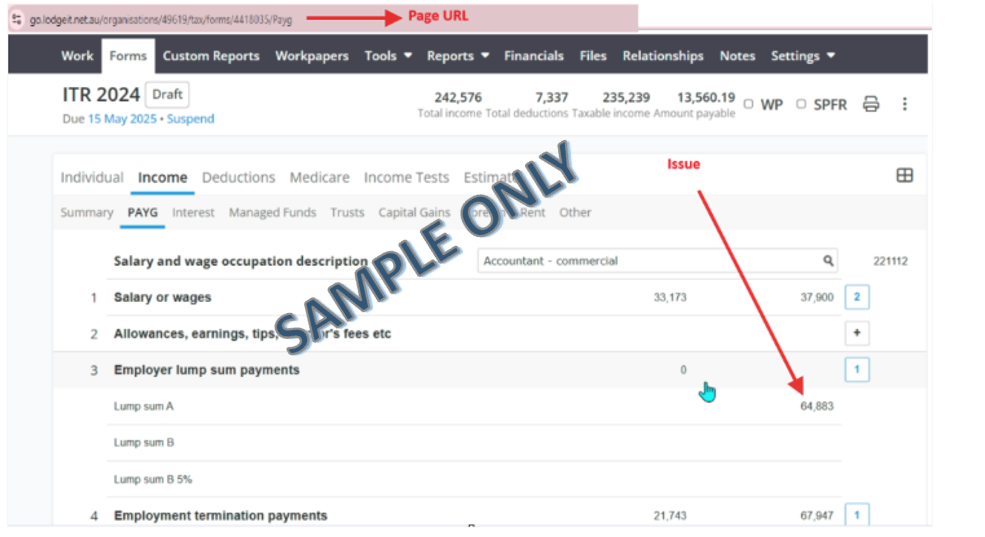
Note: The Form URL is for our technical team for checking via back end.
============================================================================
How to get the Form Error with URL
Click the error code, and it will take you to the page that causing the issue, then take a printscreen.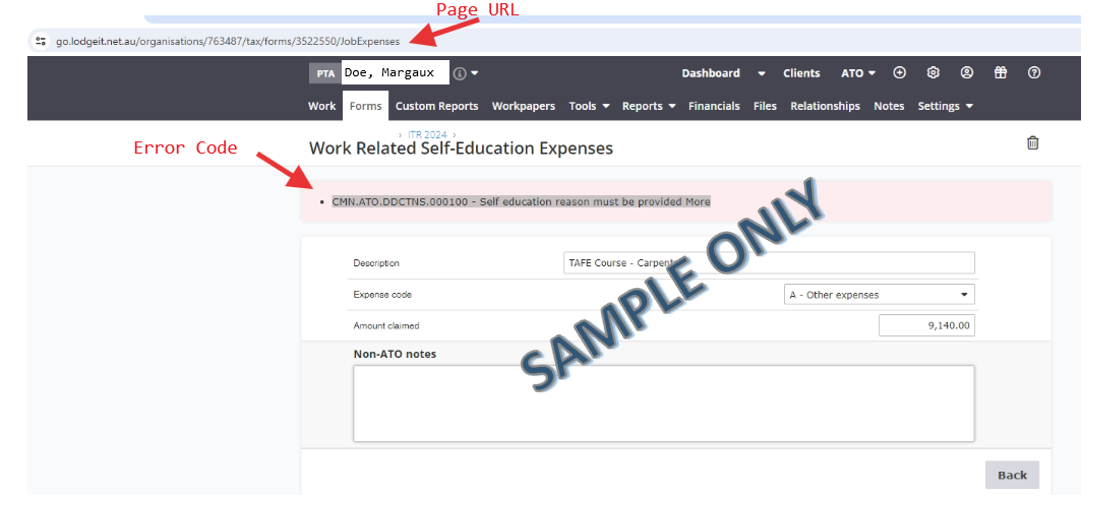
===============================================================================
How to get the Form Status and Audit Trail
Printscreen of the form that has issue, make sure to capture the Form URL and Form Status
Top right of the form, click the Status
2. Printscreen of the Audit Trail
and press the 3 little dots located at the top left of the form > Audit Trail