
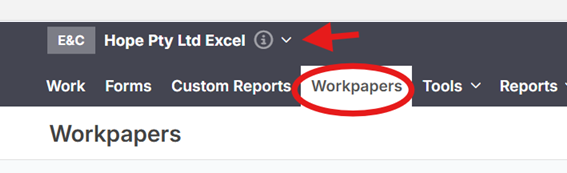
Select your Client, and click "Workpapers"
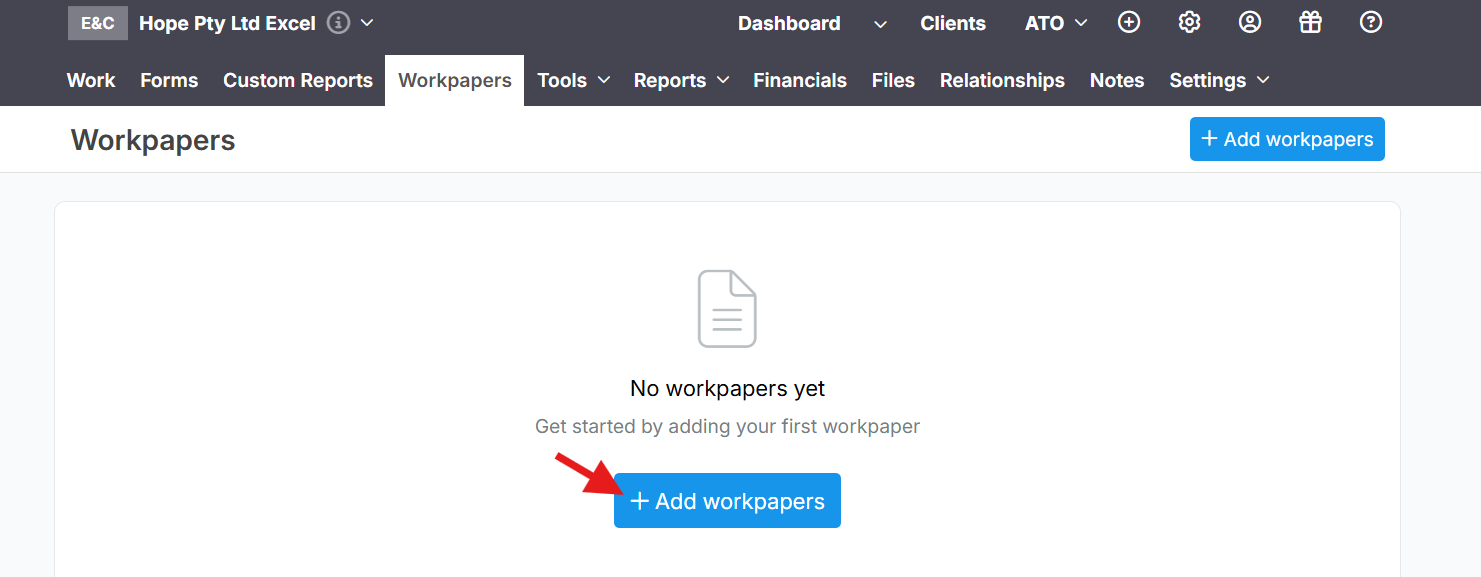
Press "Add Workpapers"
Fill the "required" details
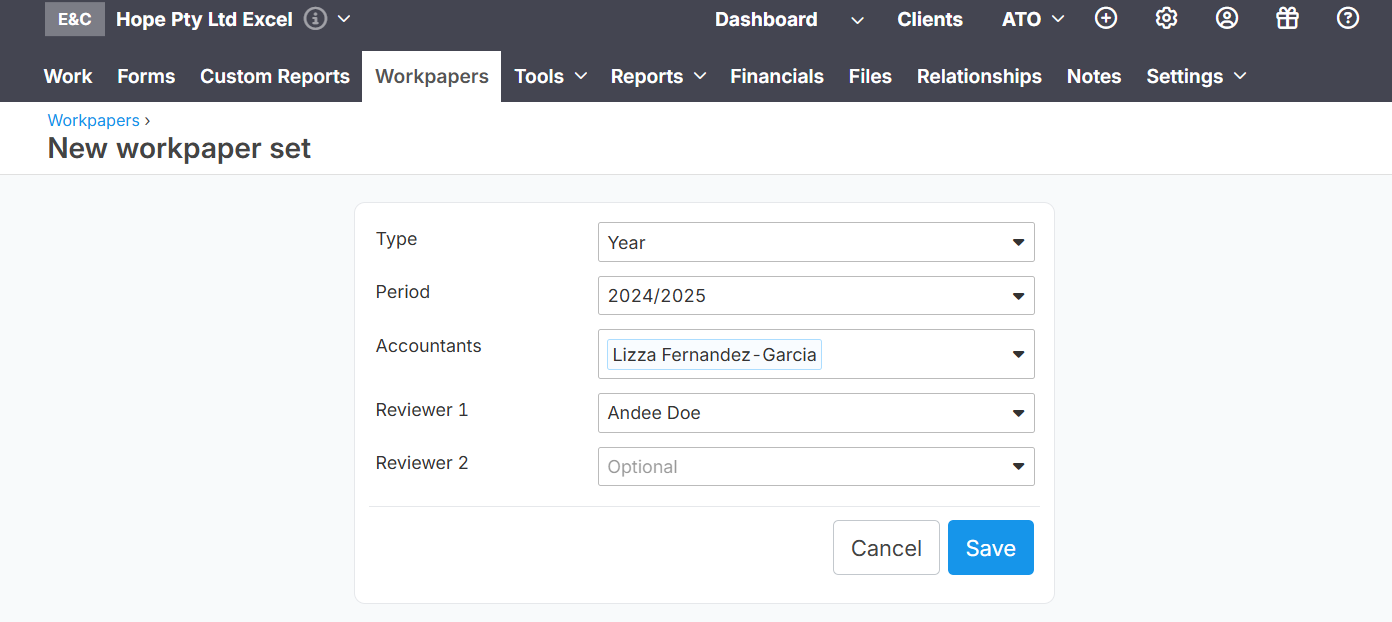
Note: Ensure that the financials have already been imported. Learn more
Select each line item in order to upload related document
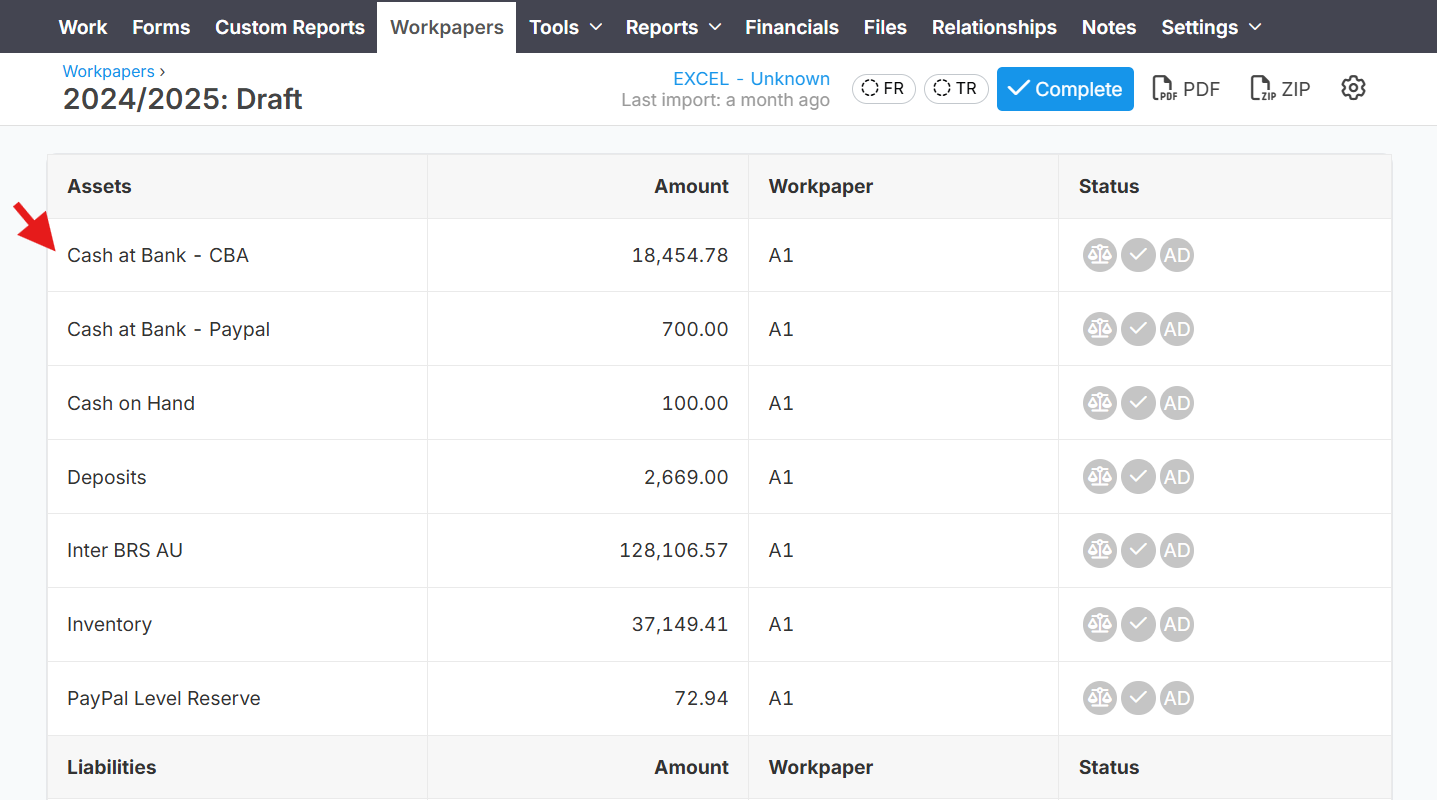
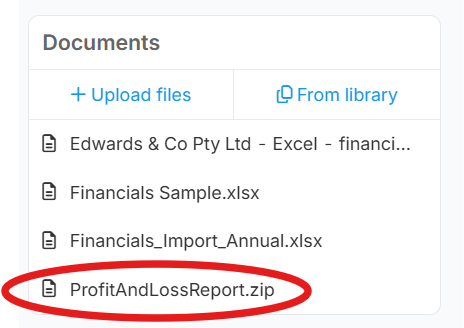
An option to "Upload Files" of "From Library".
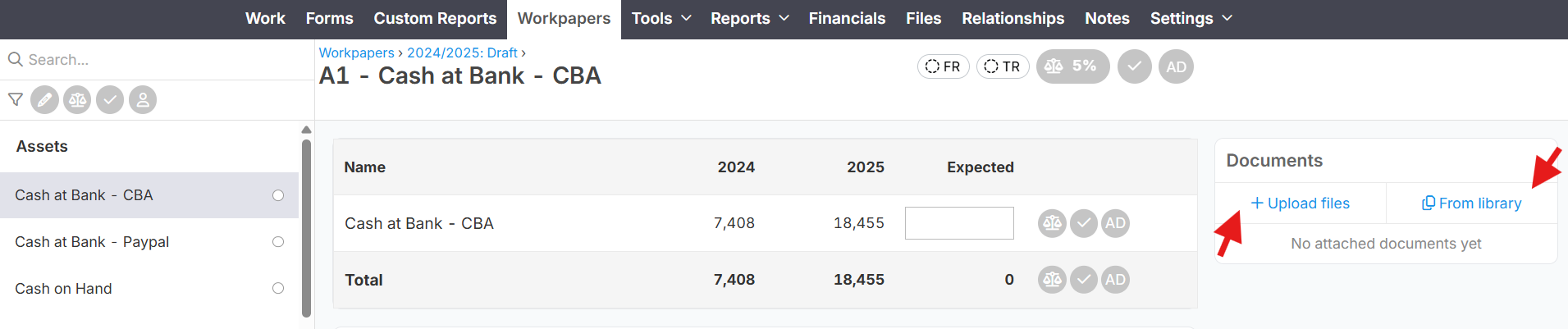
The "Upload Files" are documents from your computer/machine, that you want to upload via Workpapers. Once uploaded, it will auto save via your client's "File" tab in Lodgeit.
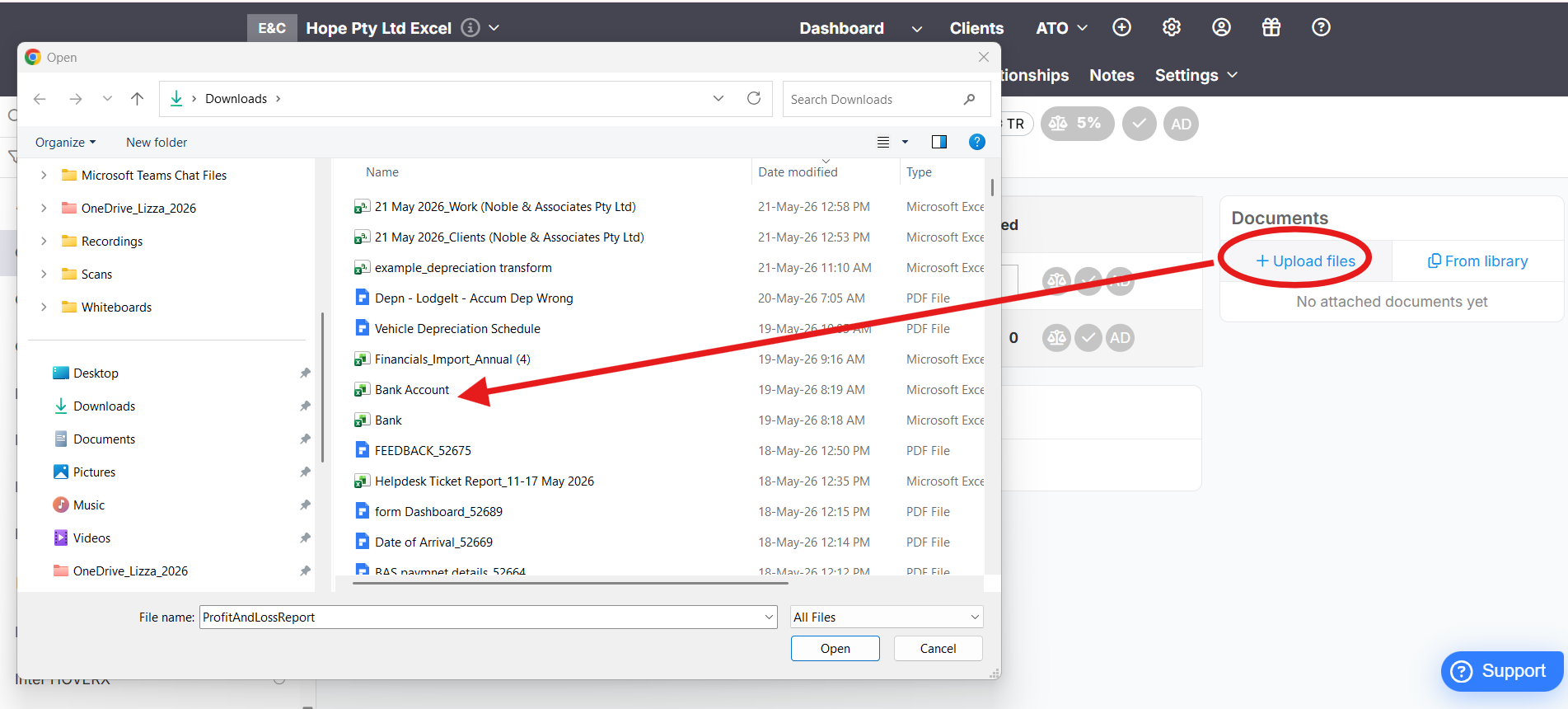
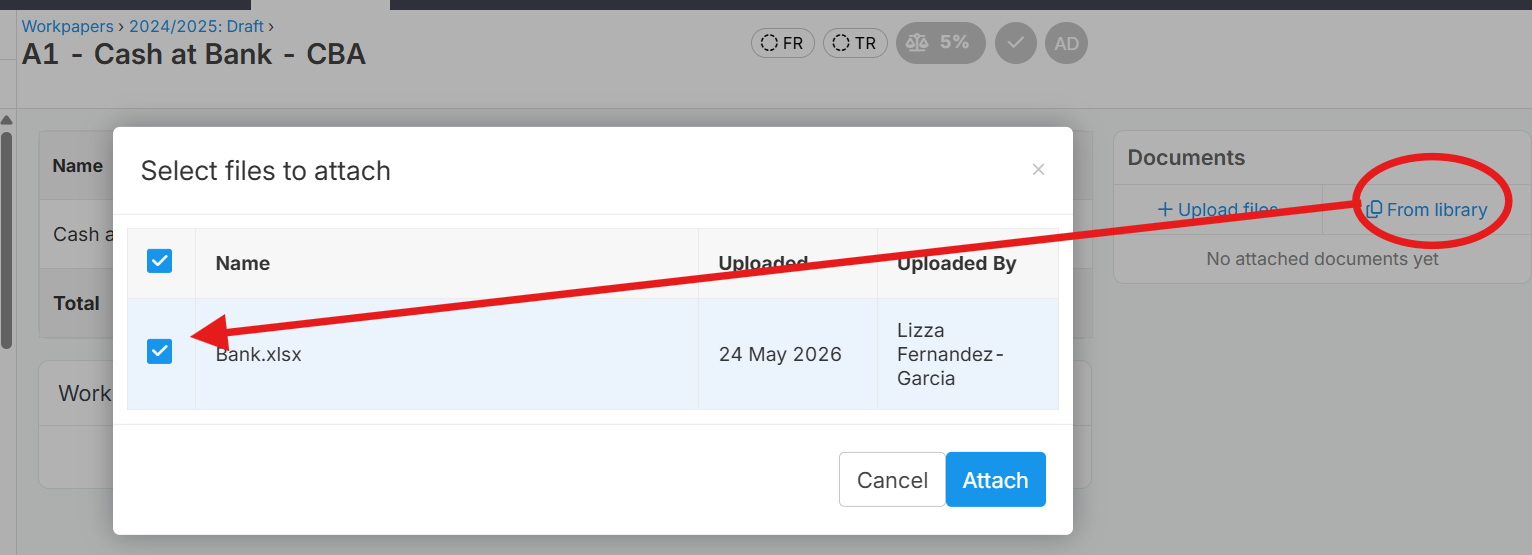
While, "From Library" means document from your Client "Files"
You can upload 2 or more files in one upload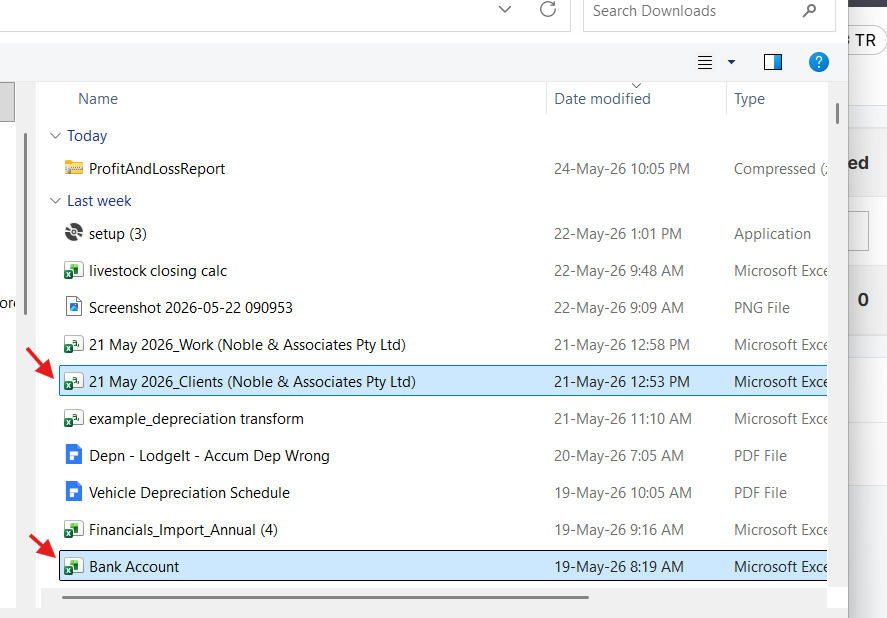
Or, upload a zip file
Note: Lodgeit doesn't import accounts having zero amount, i.e. all financials imported contains some value
Related Article:
Export Workpaper (PDF; Zip file)