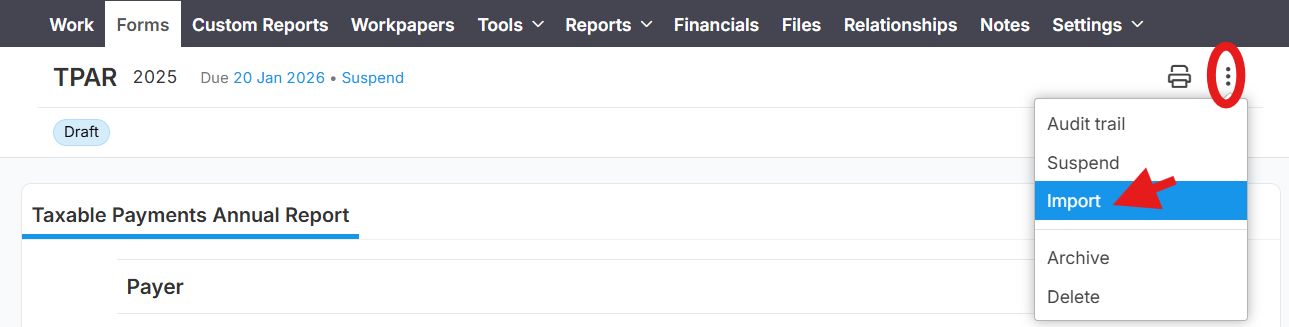
Prompt: Report is disabled or you don't have permissions to access the report.
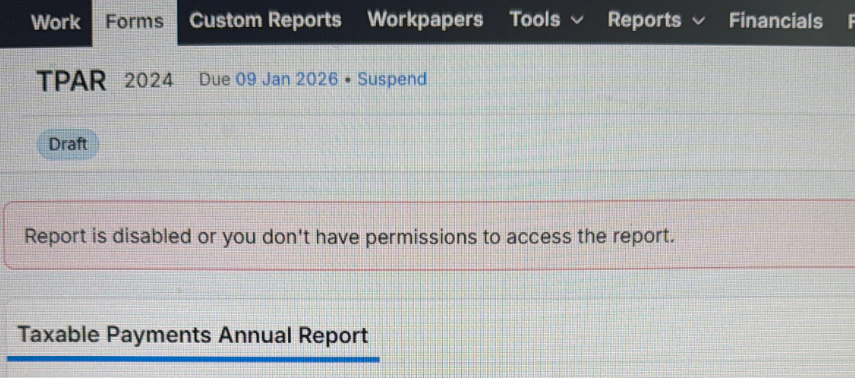
This error says that TPAR report is disable in QuickBooks. To enable it please follow these instructions:
1. In QuickBooks click the gear in the top right corner and select "Company settings" or "Accounts and settings". You will be redirected to page https://qbo.intuit.com/app/settings
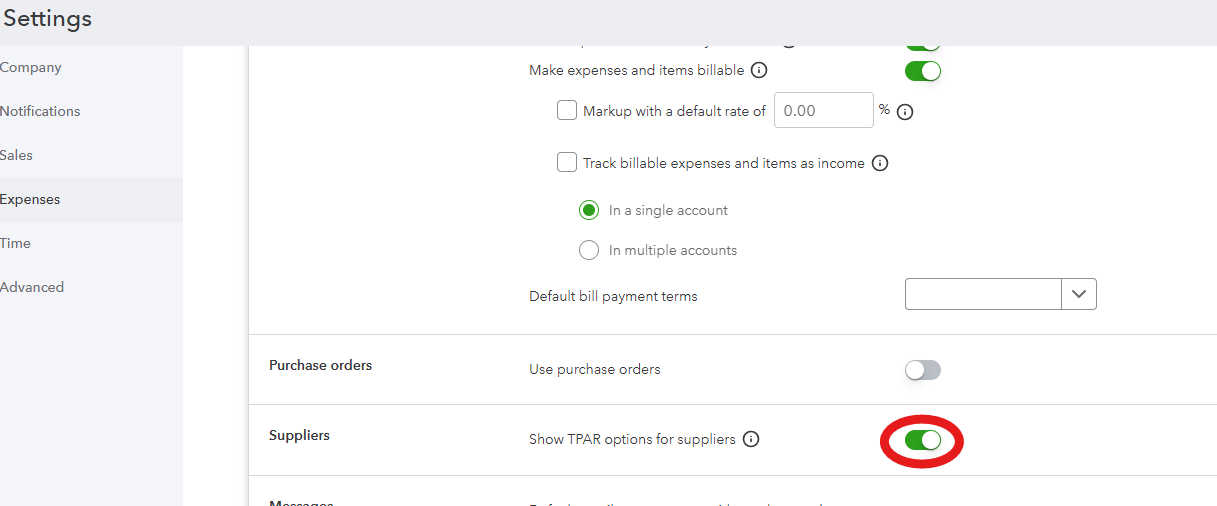
2. On that page find the section "Expenses" => Suppliers.
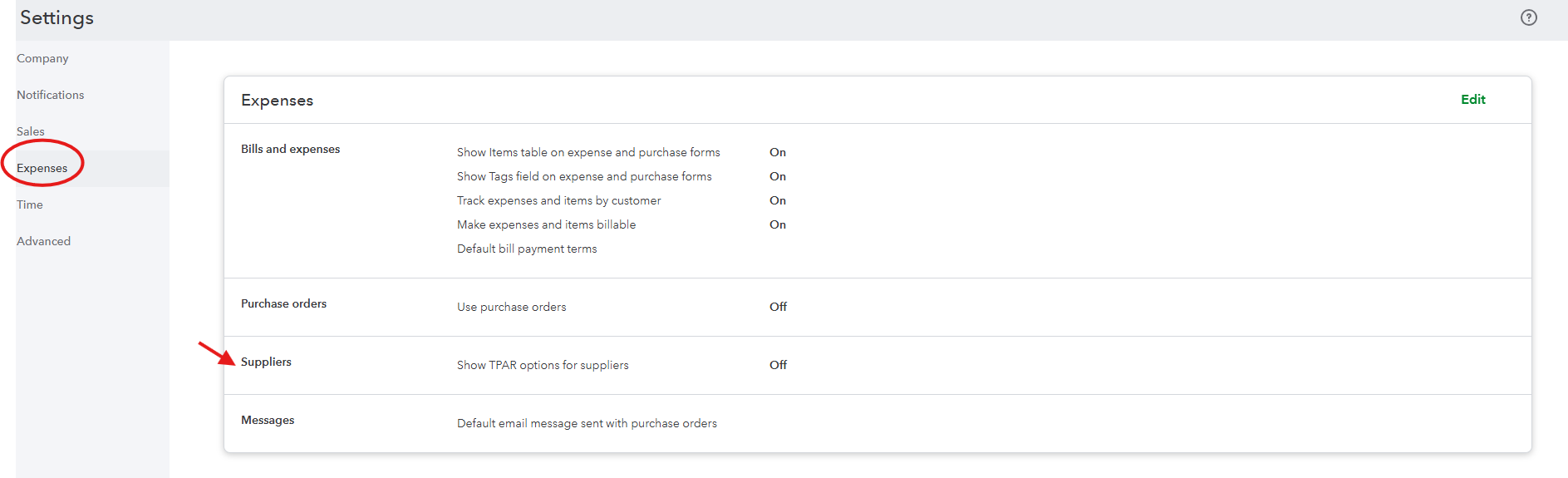
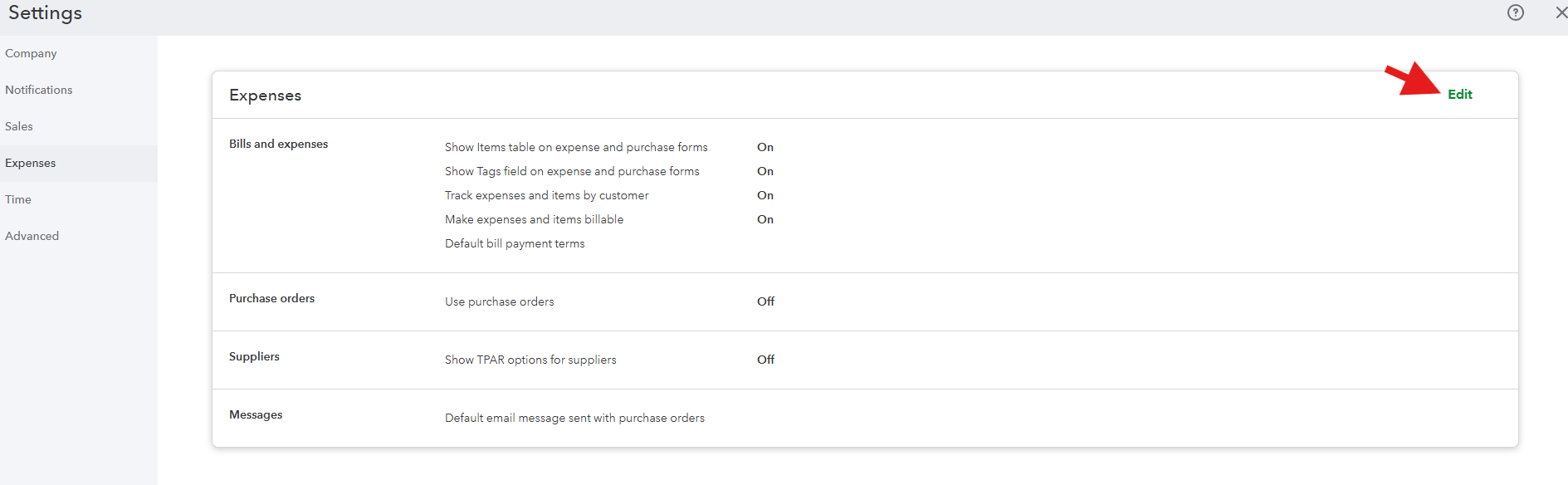 3. The setting "Suppliers" must be On. If it's not click "Edit" link, enable "Suppliers" indicator, click "Save", then click "Done".
Once it's done please open Lodgeit TPAR report and try to import it again