
Practical implications:
- If a trust is not an AMIT, you lodge the standard trust tax return
- If a trust elects to be an AMIT, you lodge the AMIT tax return instead (same form type but with AMIT-specific questions and schedules)
- The AMIT regime does not change how members report income in their personal tax returns—they still include their share of taxable income by component type.
- Once a trust becomes an AMIT, the choice is irrevocable (cannot be undone). Learn more
Click HERE to learn more about our comprehensive and detailed approach to Tax Forms and Financials.
The Basics
To work with a trust tax return, first ensure that all the necessary information about the company has been added to Lodgeit via "Settings" if you fail to do this, you will encounter a range of difficulties.

Then you can proceed adding a form.
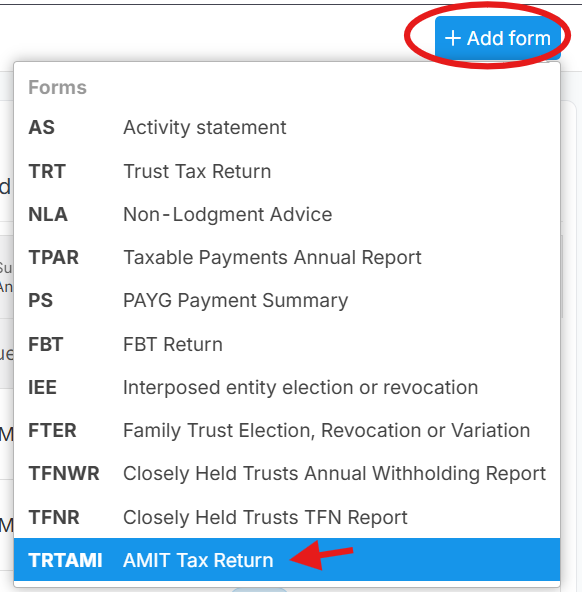
Select Forms

Click the form that you need.
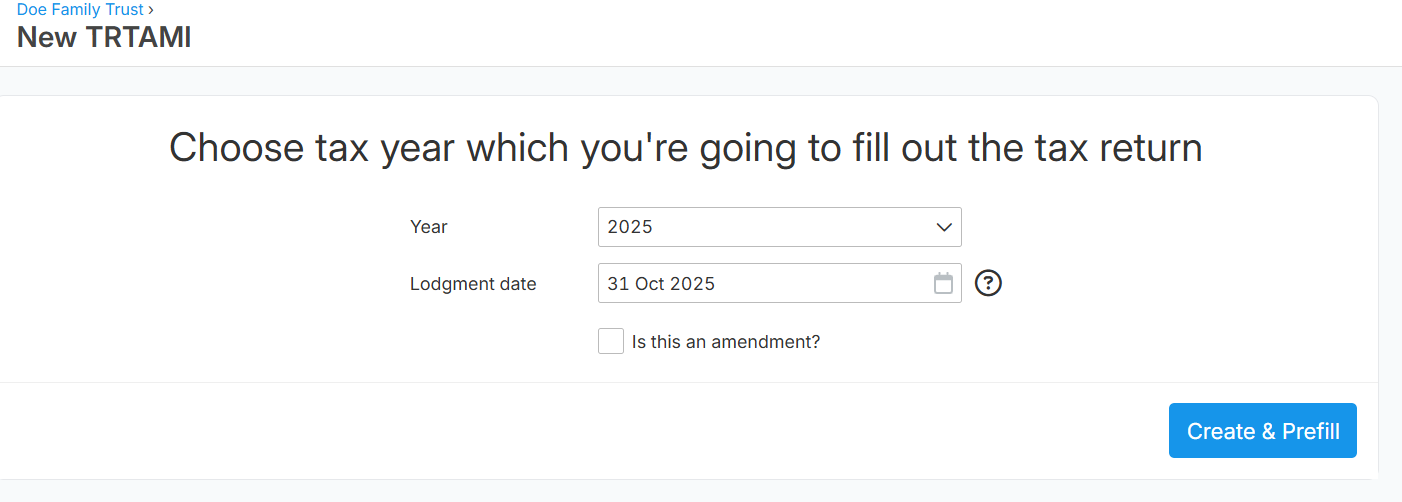
Select Year.
"Lodgement Date" is automatic date from ATO, but you can also manage to change it if necessary.
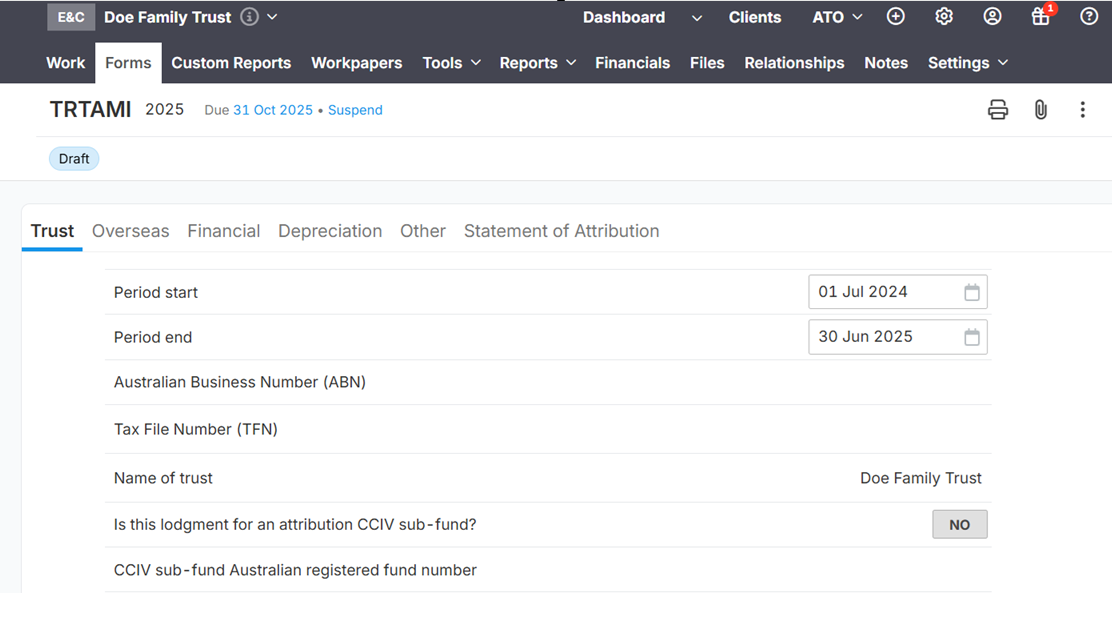
Fill the tax form. Click here for ATO's instruction
Check Form status via "Dashboard" .
Click here to learn more about Form Sequence
Note: Lodgeit System is an SBR System with SBR dependencies. (Lodgeit uses SBR validation & prefill functions)