
For this error, it usually appears when there is a mismatch between BAS reporting periods in QuickBooks and Lodgeit. Please ensure the BAS reporting period set in Lodgeit exactly matches the BAS period in QuickBooks.

Other solution to this issue:
For BAS reports, they must be prepared in QuickBooks but should not be “Marked as Lodged.”
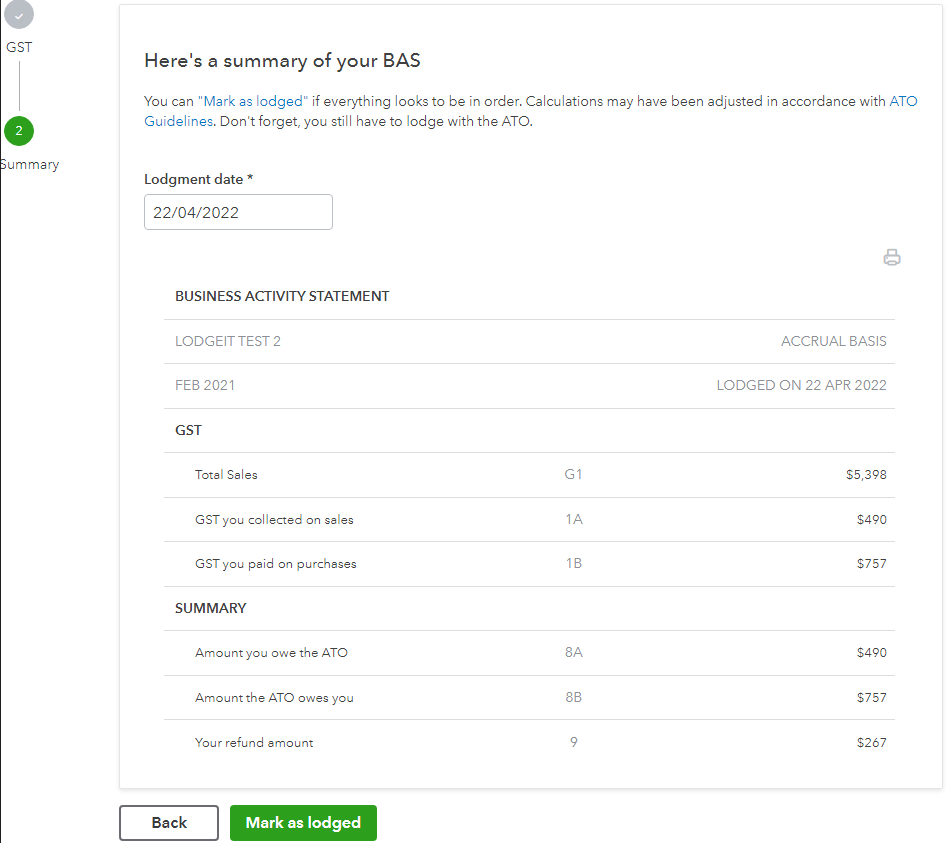
If a BAS report is marked as lodged in QuickBooks, it can no longer be exported via the QuickBooks API, as QuickBooks will then open the next BAS period for reporting. As a result, users may receive this validation message.
To proceed, users will need to manually enter the required amounts into the Lodgeit Activity Statement before lodging the form.
Related guide: