
To sort account names in financial report, the alternative way is to just drag and drop the account line item. Please note that it is still better to update your imported financials to the original source (eg. QuickBooks accounting software, Lodgeit excel etc.).
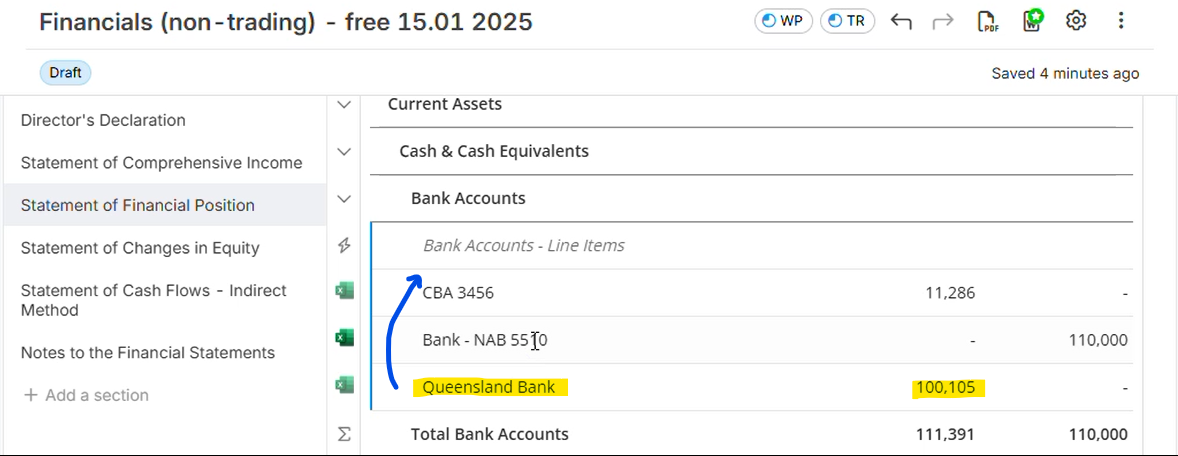
- To sort the account line item, just drag the account and drop it to the desired position in the report. In the example below, the account line item "Queensland Bank" was moved to the 1st position among the 3 Bank Accounts.
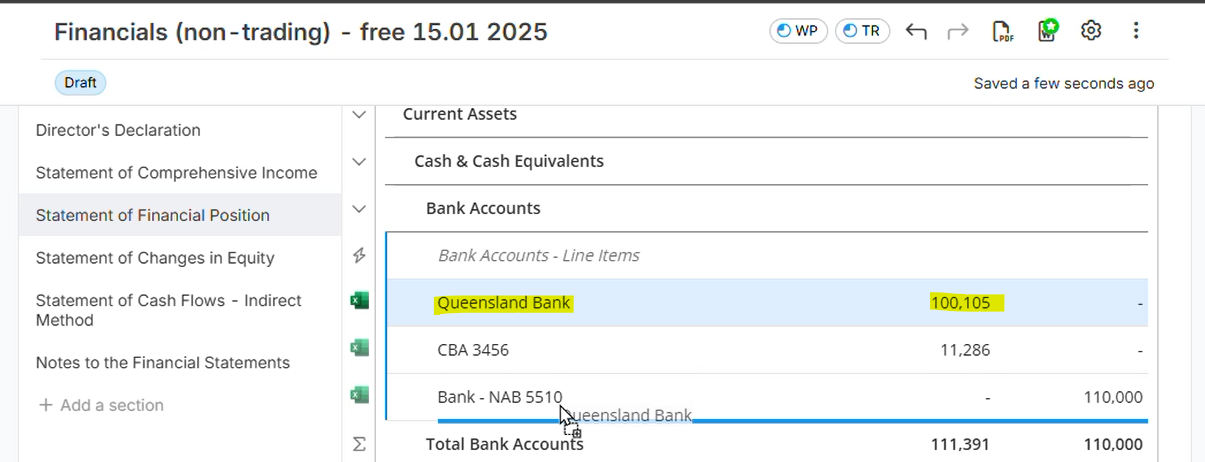
- Below image is showing the position of Queensland Bank after dragging it from last to first position.
Please see attached video for additional reference: filename -"Drag and drop accounts in report.mp4"
Other related guide: How to edit account name and group title of the financial report?