
When a liability account has a negative balance (less than zero), the system automatically reclassifies it as an asset with the opposite sign. As a result, this balance will appear under the Asset section in both tax returns and financial reports.
This behavior is system-driven and follows accounting presentation rules for negative balances. Related guide: Switching Line Items.
Why This Happens
Liability accounts are expected to carry credit (positive) balances
A negative liability indicates the account behaves like a receivable
The system automatically:
Moves the account to Assets
Reverses the sign for reporting purposes
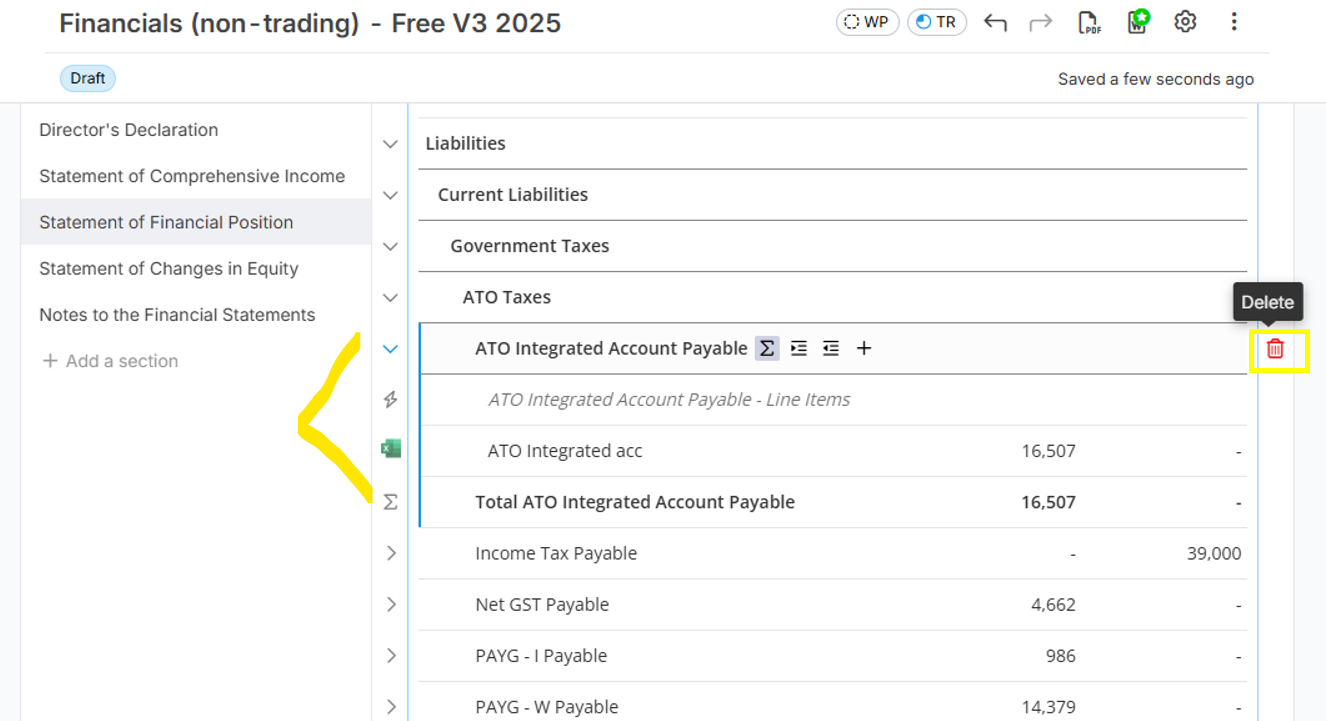
Workaround to edit the financial report is to delete the negative liability account sitting in the asset section (below is the image to delete a line item in the report) and then add a manual line item with negative value in the financial report. Related guide: Financial Report: Adding a "Manual" line item and updating Formula
Key Takeaway
Negative liability balances are automatically treated as assets.
To adjust financial report presentation, remove the reclassified asset line and manually add the liability with a negative value.