
This guide provides instructions on . Selecting the appropriate report from your accounting software . Generating the report to Excel . Transforming the Excel report to Smart Excel Utility Standard Format .XML for use in AccFx & Lodgeit Tools

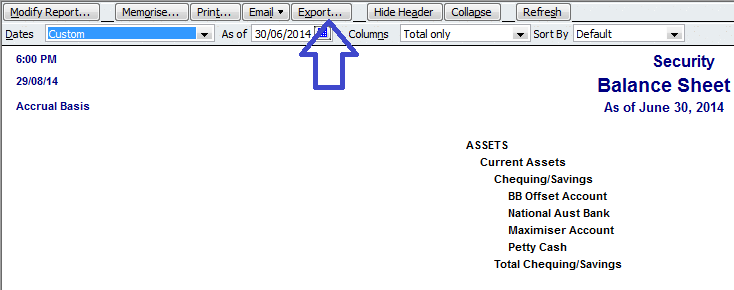

Now, open the Excel file in Excel. As long as the Smart Excel Utility Plugin is loaded, you will be able to select Profit and Loss & transform the Excel report to a normalized Smart Excel Utility format XML output.
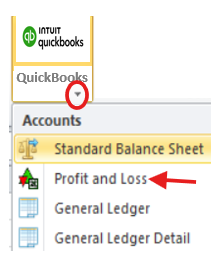
Here information for the report can be added like Name, Company, ABN, Generated Source and duration.

Here is a small sample of the report, viewable in either Notepad or Internet Explorer

Related help Article:
Installing Lodgeit Smart Excel Utility
Generate Lodgeit Import Files from Any Accounting System
Attachments