
"RENEW" button will only appear for those account that is near to expire (15 days before the subscription is expired) or account that was already expired.
Top right of your Lodgeit interface, press the gear wheel icon and select "Billing"

Press "Renew"

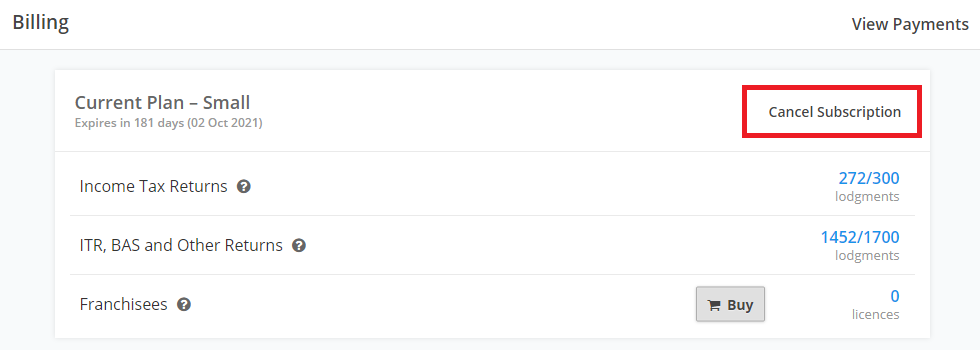
Note: For accounts that are not yet expired/nearly expire (before 15 days of expiration date) - If you want to cancel and upgrade your subscription to higher or lower level, press "Cancel Subscription"
Note:
- "Cancen Subscription" doesn't refund anything and you will lose all current credits.
- The activation and expiration times are based on the exact time you initially activated your subscription, not just the calendar date.