
Step 1.Importing Financials from Excel to provide the source data using a Lodgeit Excel template.
Tap your "Financial" Tab click Import

Then from the list of Import select "Excel"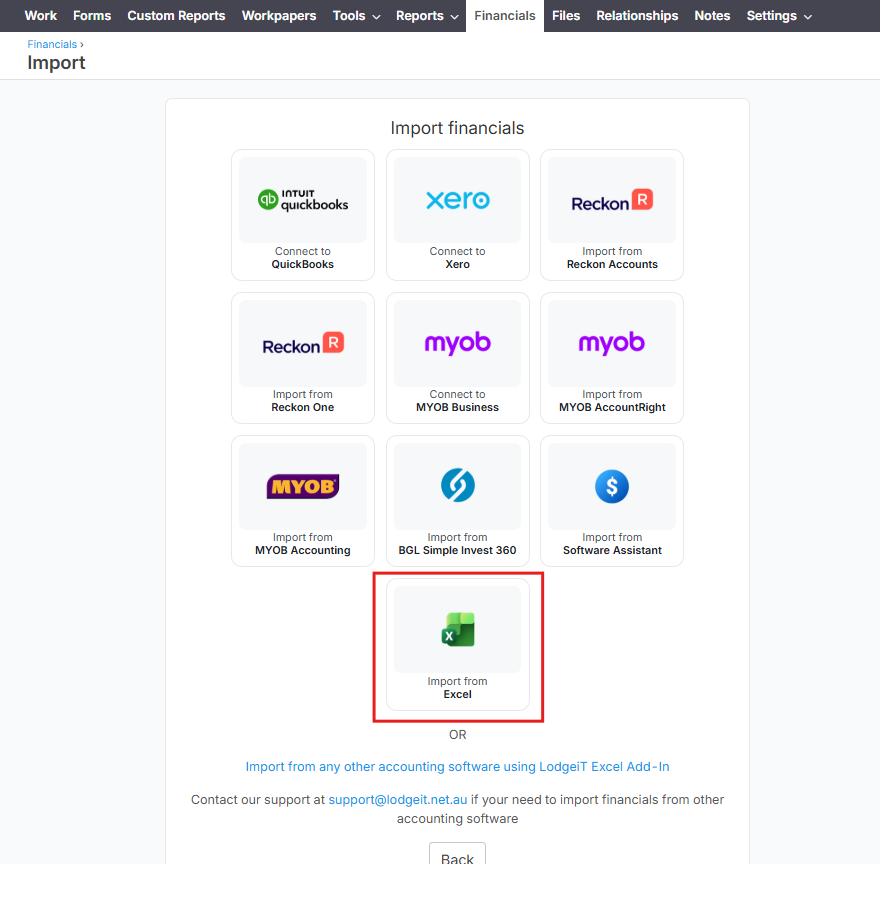
After selecting Excel you can now choose the file and now ready to upload.
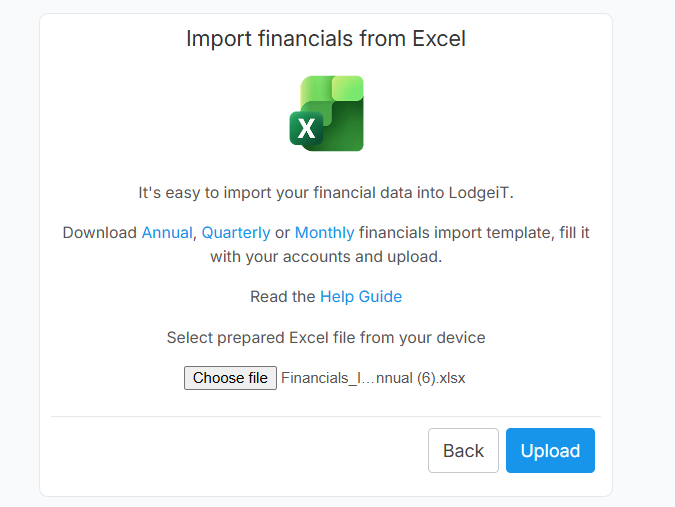
Step 2. Map the account lines. Getting Started with Mapping Accounts
To check if the accounts classification is correct please go to Accounts under financial tab

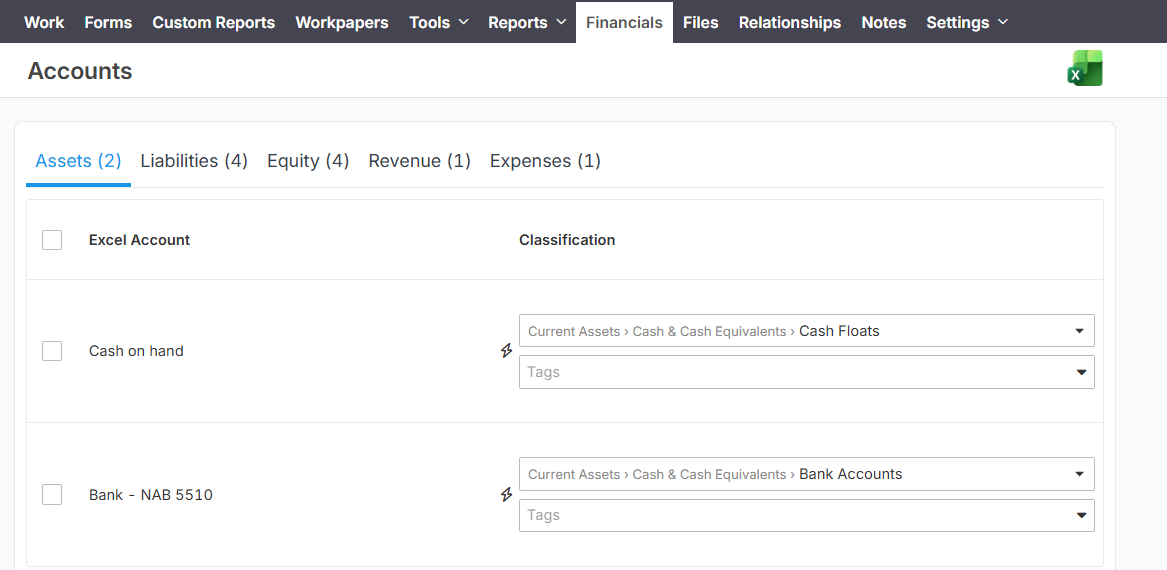
Step 3. Review the facts in the tax return.
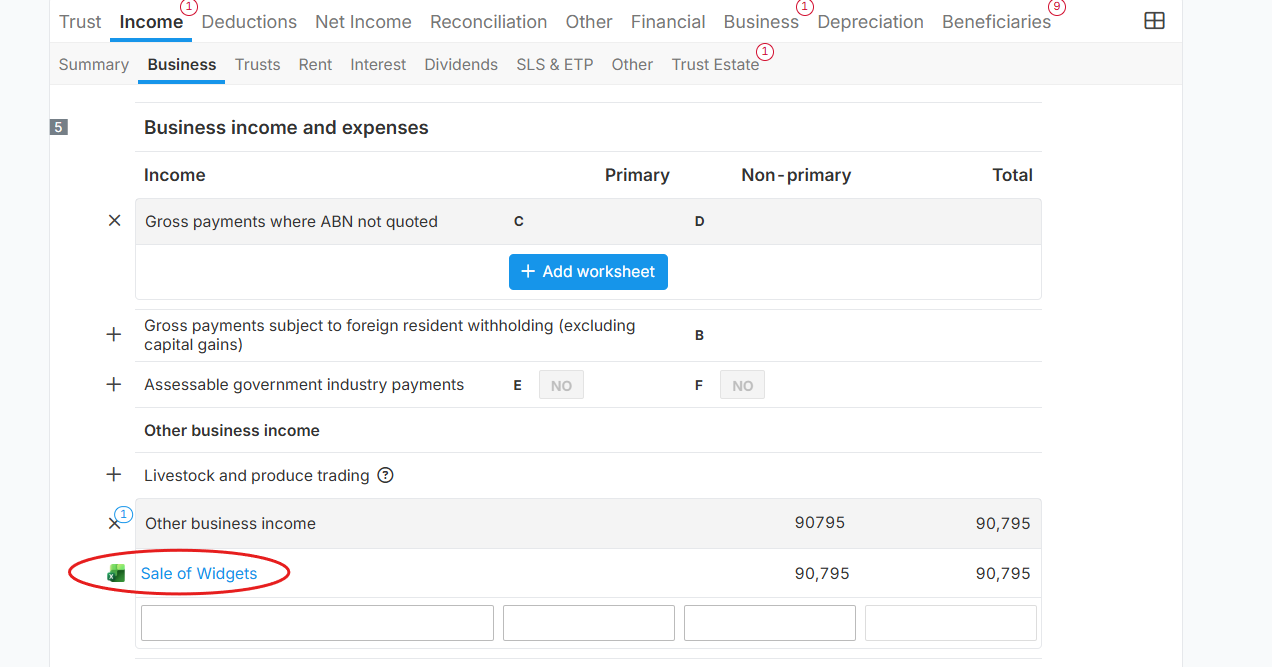
Open the form if Financial import is automatically injected to the form. (Excel appears because the Import comes from Excel file.)

Click here to learn more about the process about Trust Tax Return.